01 / PRESS
Details, on demand.
Press a raycastable UI surface to reveal an offset lens. Keep the source visible while you inspect.
UI MAGNIFIER — DRAG TO ZOOM
A press-and-drag magnifier for Unity UI. Bring small details into focus without leaving your scene.
01 / PRESS
Press a raycastable UI surface to reveal an offset lens. Keep the source visible while you inspect.
02 / DRAG
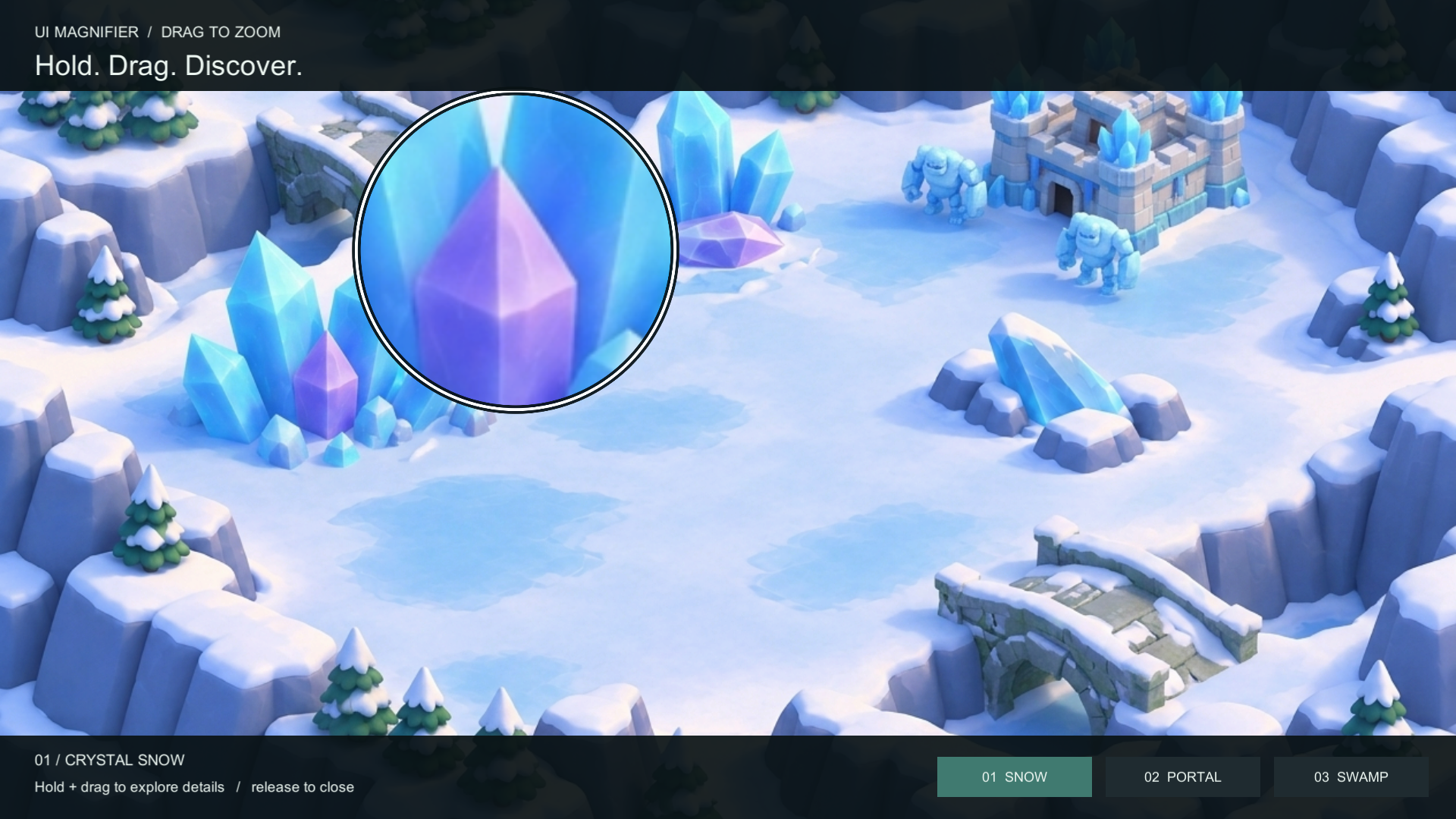
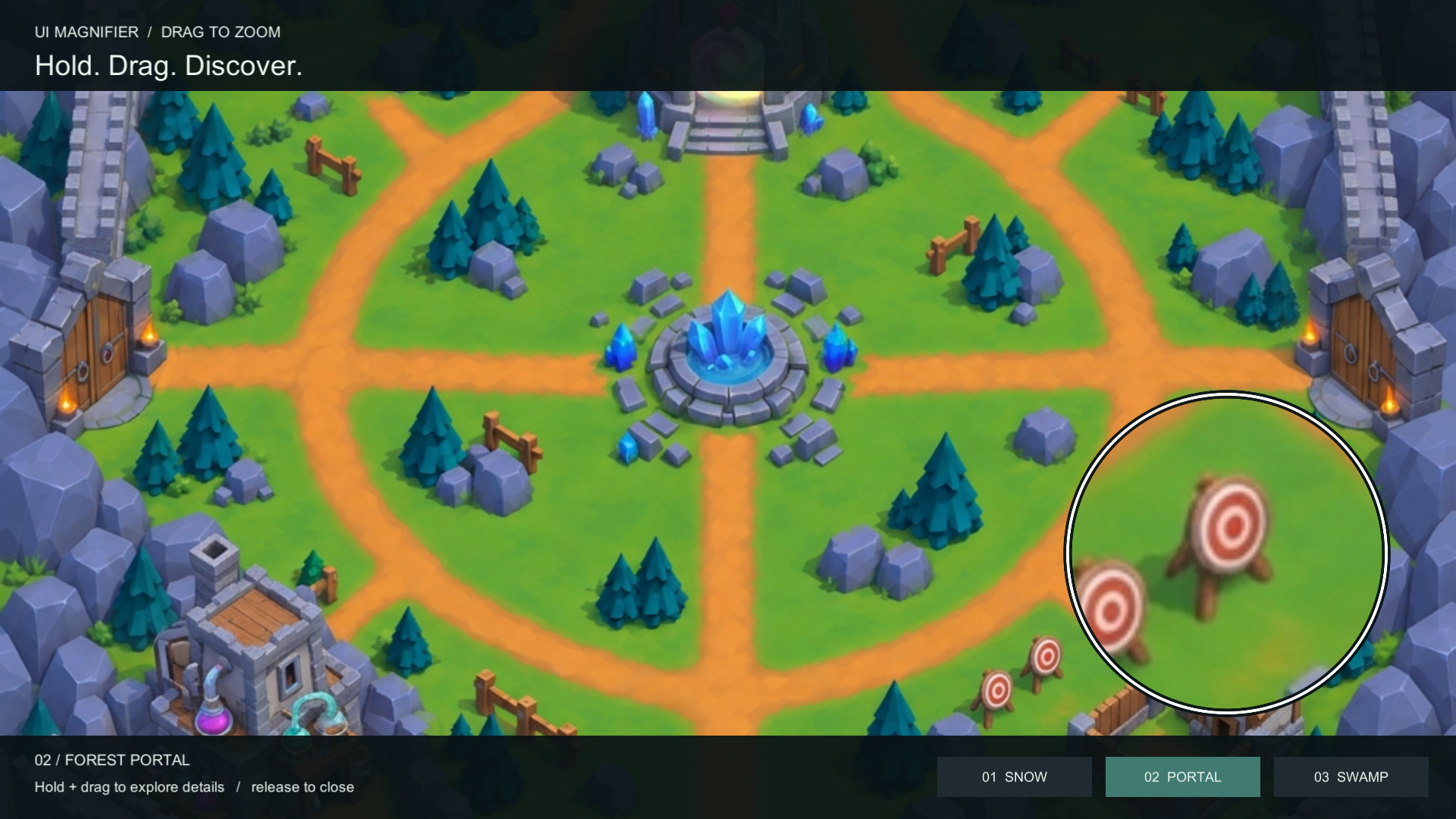
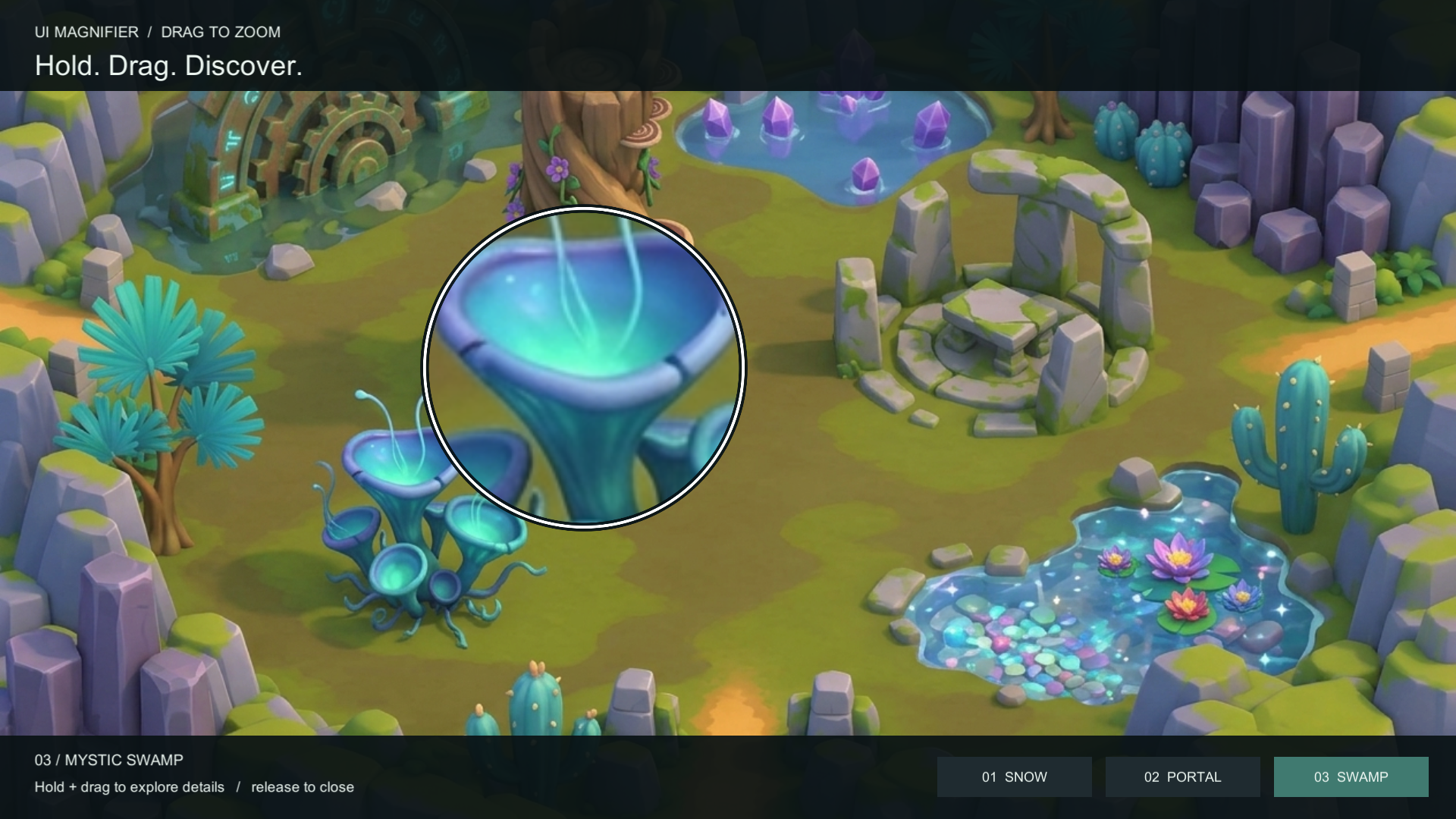
The lens follows your pointer and enlarges content rendered by your selected final Game camera.
03 / RELEASE
Release to hide the lens. Configure the appearance and magnification through a reusable profile.
THE INCLUDED LANDSCAPE GALLERY
Three original illustrated backgrounds are included in the Landscape Gallery sample. These images show the actual Unity effect.
IN MOTION
Follow a complete interaction in the Unity sample: press to reveal the lens, drag to inspect, release to hide.
Use the UPM package or Assets distribution, then import Basic Drag or Landscape Gallery.
Try the sample URP configuration in an evaluation project, or install the Renderer Feature into your active renderer.
Assign the profile, lens view and final Game camera. Add a drag adapter, EventSystem and GraphicRaycaster.
COMPATIBILITY
Magnify camera-space UI and camera content. ScreenSpaceOverlay content is excluded from camera sampling.
Verified rendering baselines
Windows Editor · D3D11
Built-in and HDRP are unsupported. Other Unity 6 versions, MSAA configurations, dynamic render scale, post-processing combinations, mobile, WebGL2, XR and other graphics APIs have not been verified.
The intermediate camera color texture still has a rendering cost. No mobile or performance benchmark is claimed.
LOOK CLOSER
Start with the included examples, then connect the magnifier to your own camera-space UI.
Read the docs↗